FindMyItem Pro
Everything in the free app, plus the features below. The first month is free.


Your whole household, one list
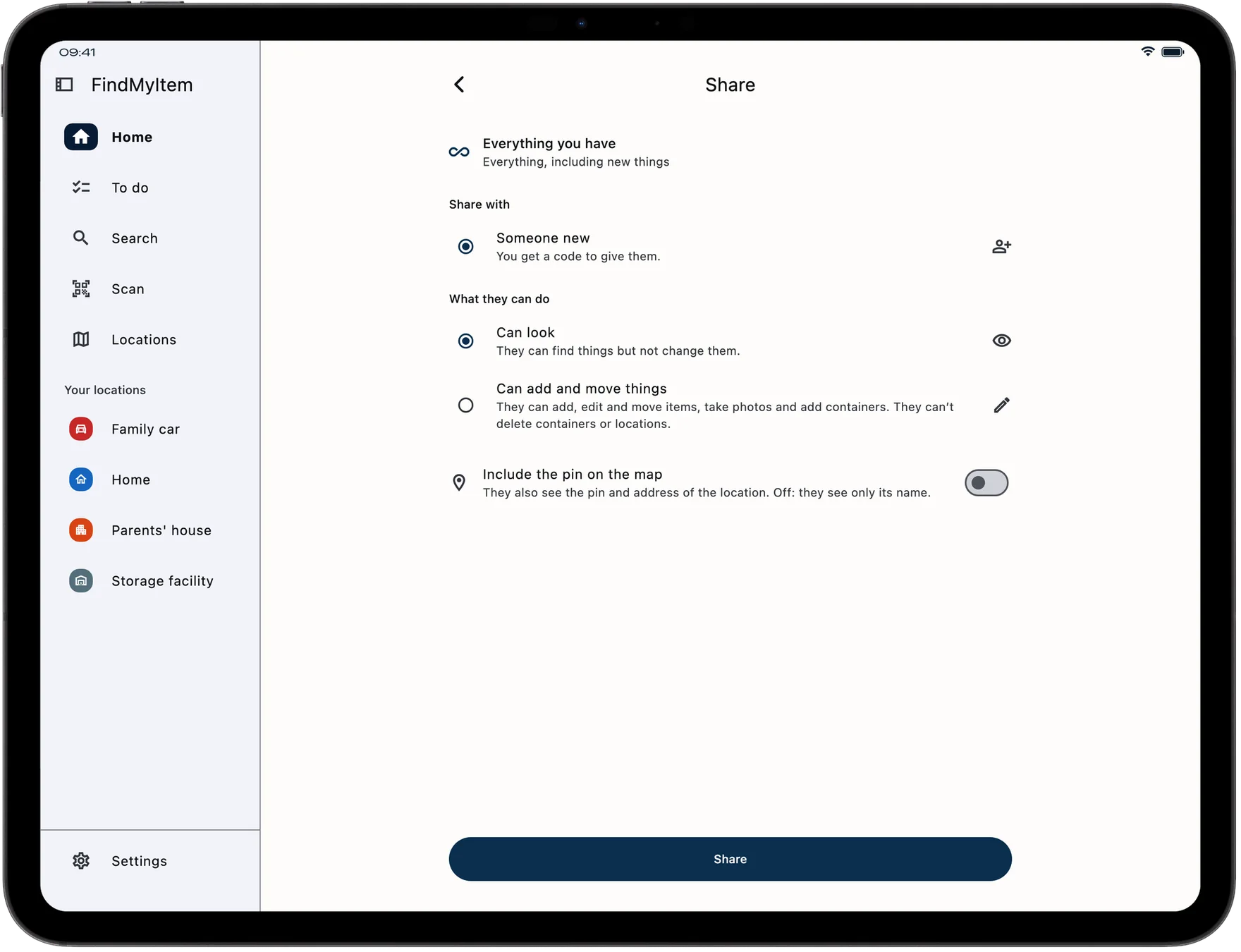
Invite the people you live with. Everyone sees where things are, and the people you invite never pay.
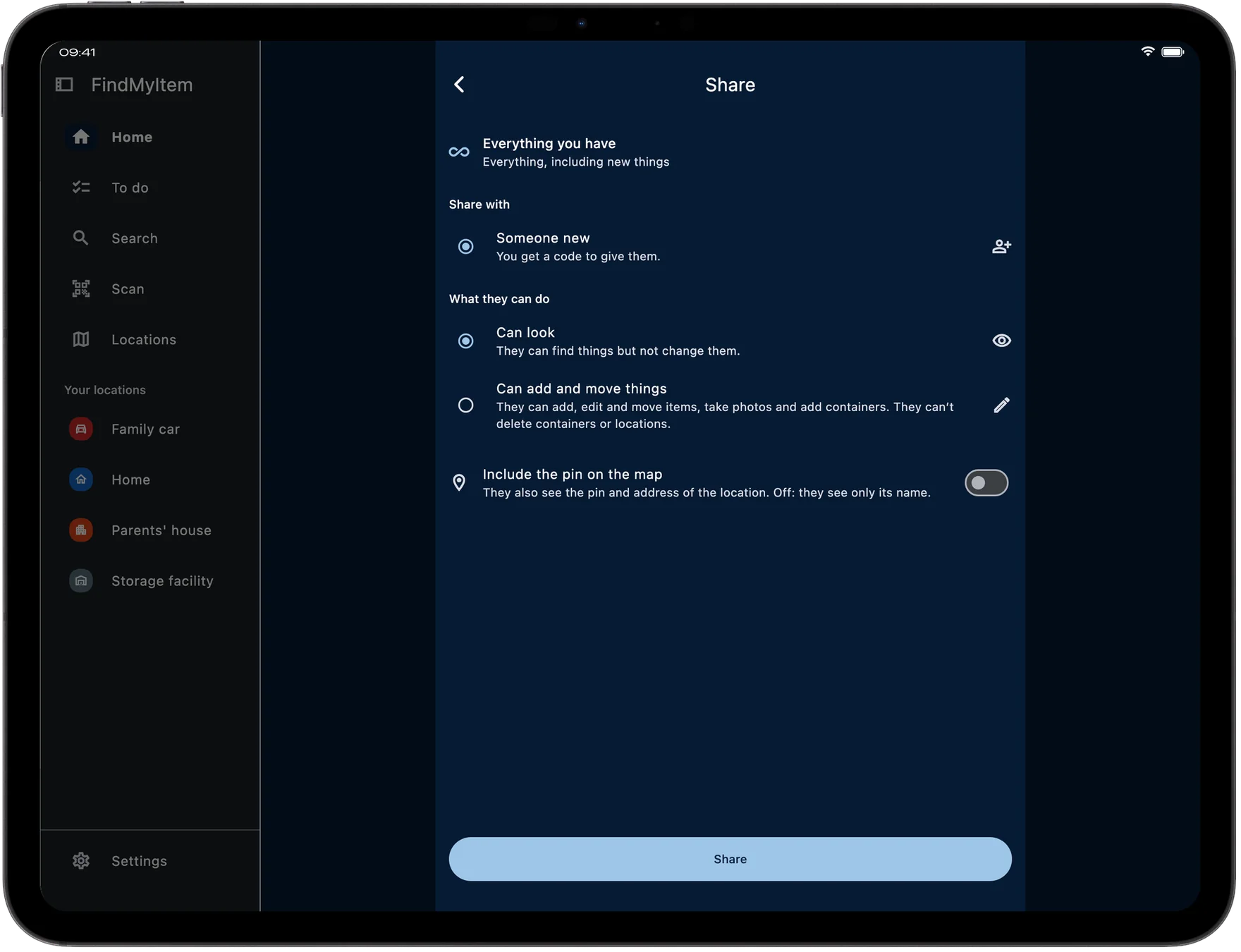
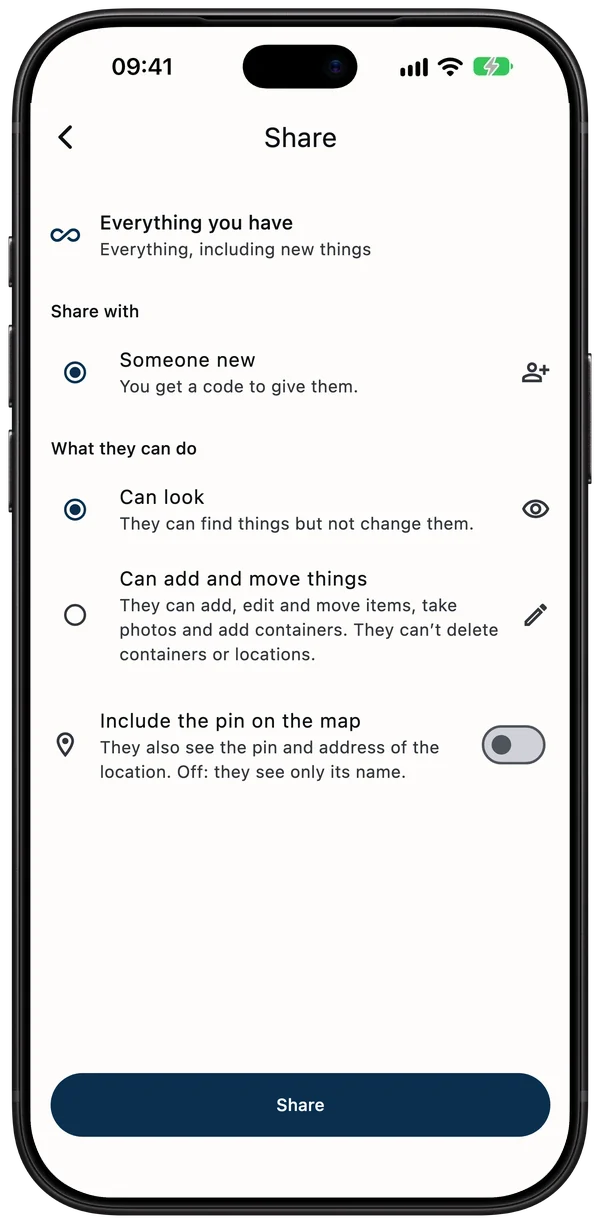
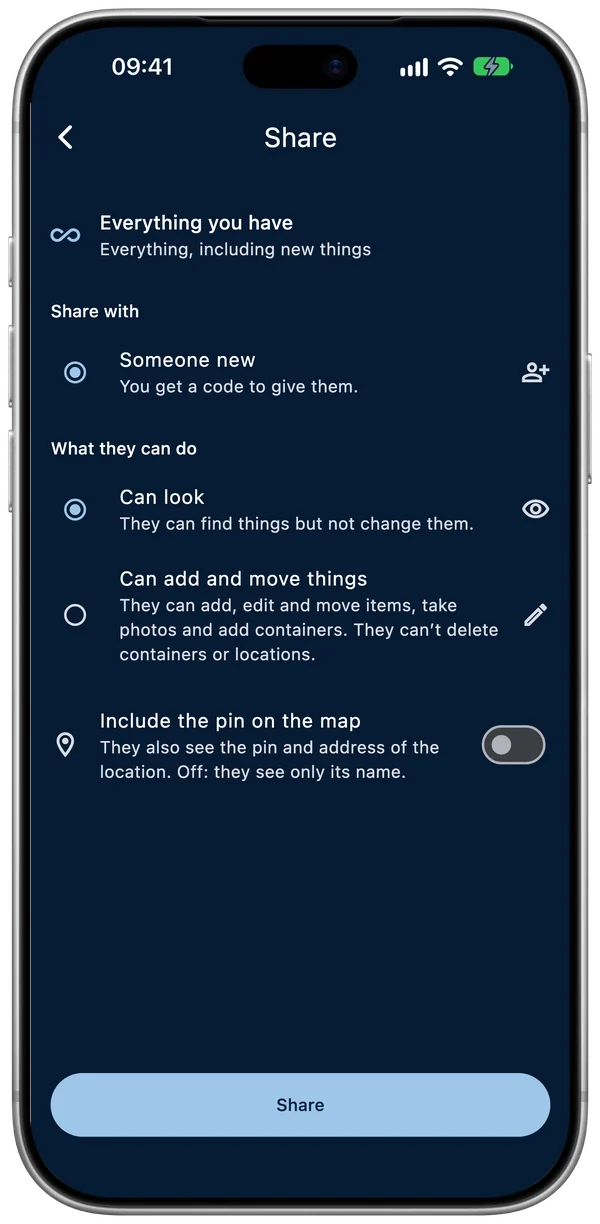
Viewer or Editor
Choose for each person: a Viewer can only look; an Editor can add, edit and move things.
A place, an area or one box
Share your whole home, just the garage, or a single box. You decide what each person sees.
The people you invite never pay
Only the person who shares needs Pro. Share your Emergency supply too, so the family knows what there is and where.
If Pro ends, nothing is deleted
Sharing pauses until you renew. Everyone keeps their own things.
A clear name from every photo
Take a photo of an item and it comes back with a ready-to-use name, in your language.
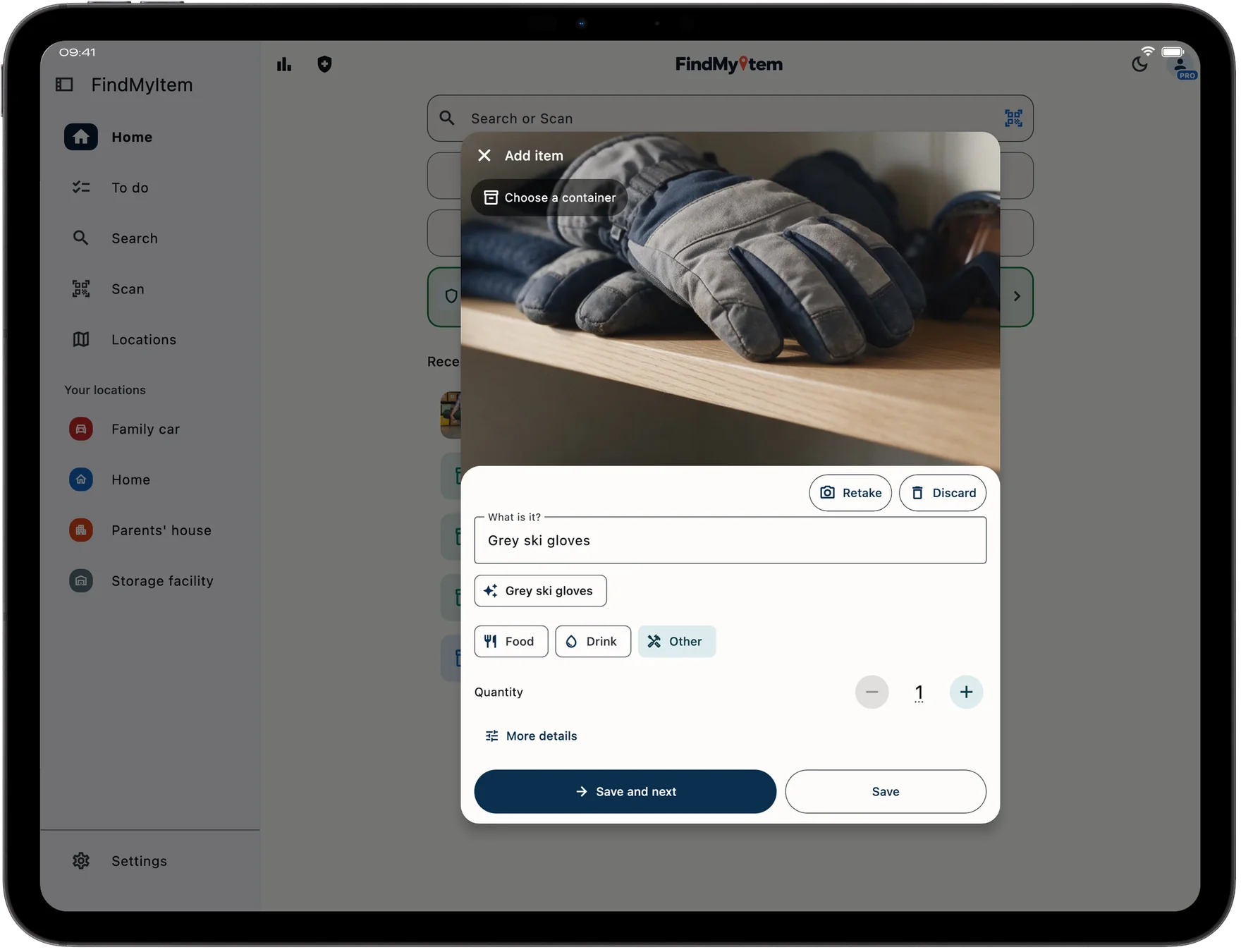
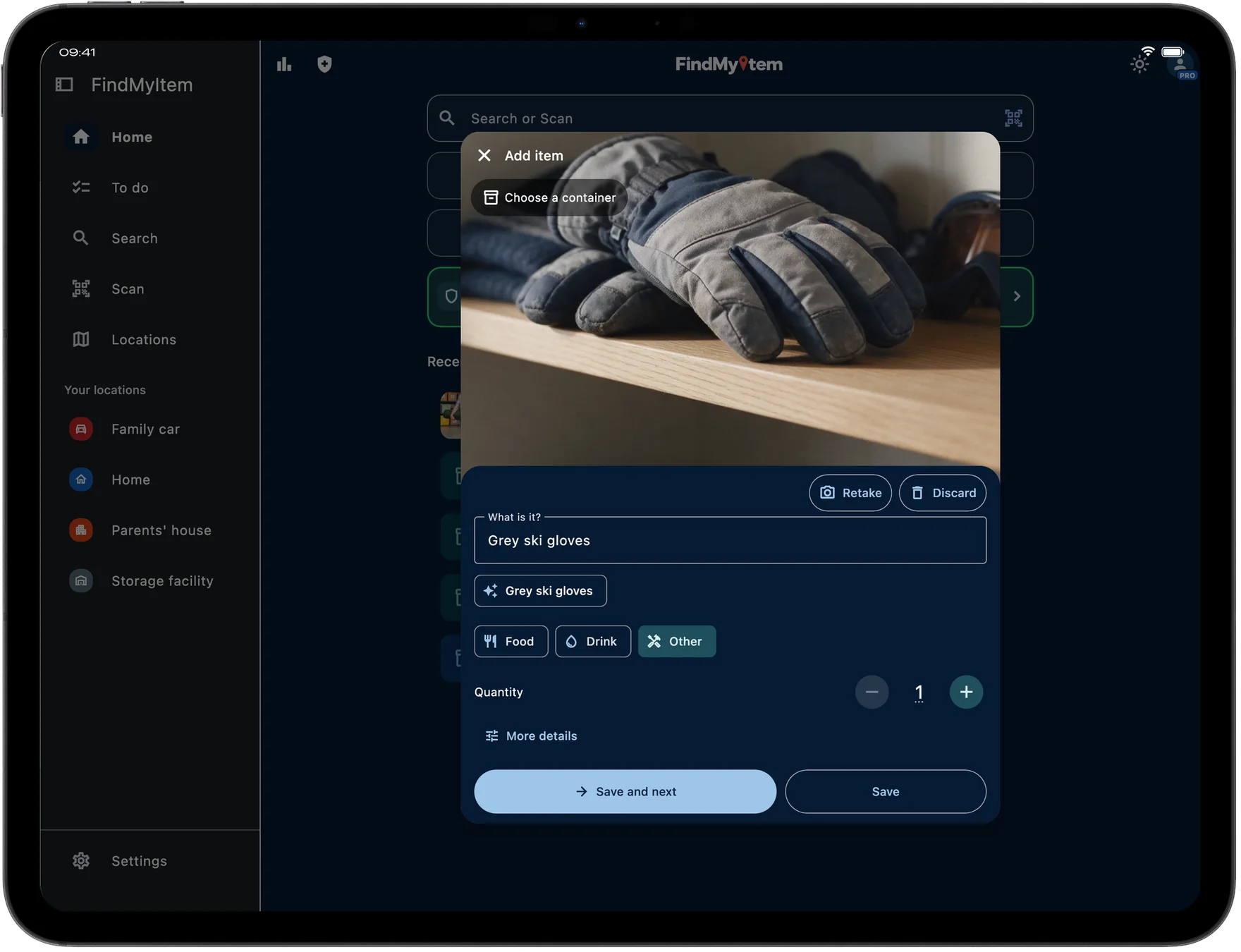
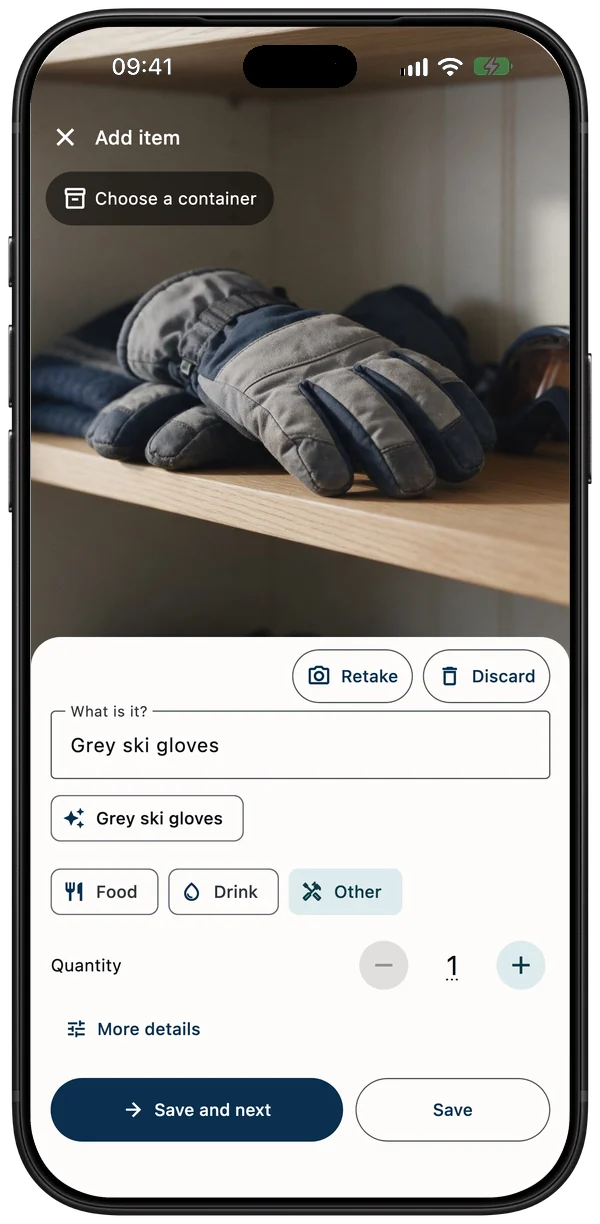
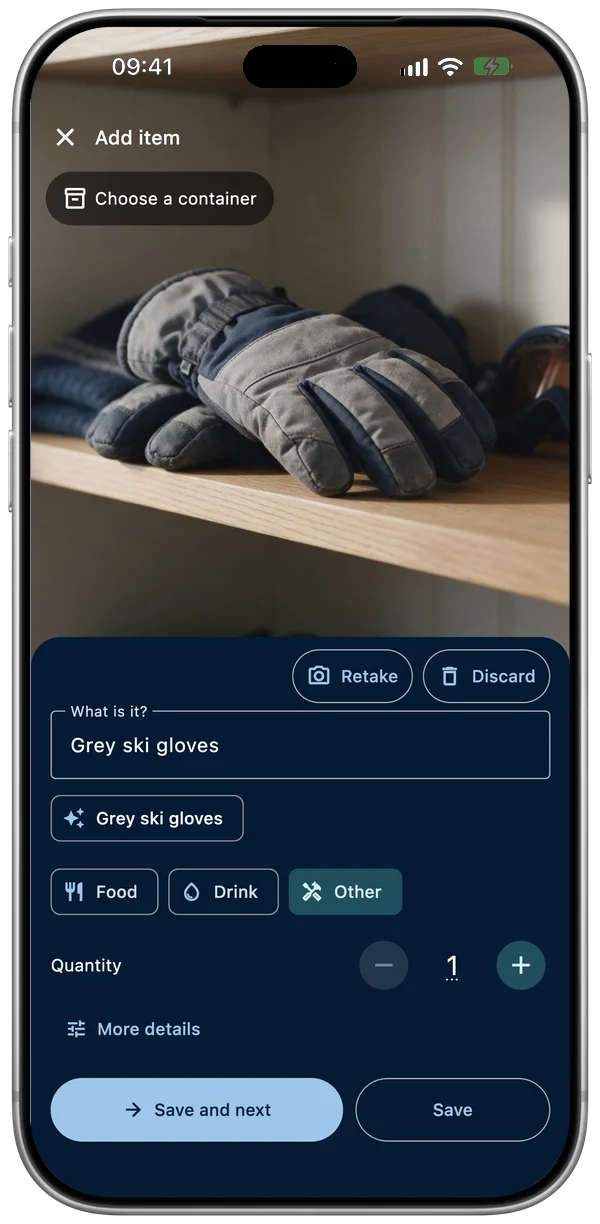
Photograph it, and a name is suggested
Take the photo to add an item and a clear name appears under it, in your language. Tap it to use it, or type your own.
Off until you choose it
Only the photo you take for the item is sent, and nothing is sent while it is off. You can turn it off at any time in Settings.
We don’t keep the photo
It is sent to our AI provider only to suggest the name. Suggestions can be wrong; you choose what is saved. See the privacy policy.
“Can you bring the drill?”
Send someone a ready-made message that says exactly where the thing is.
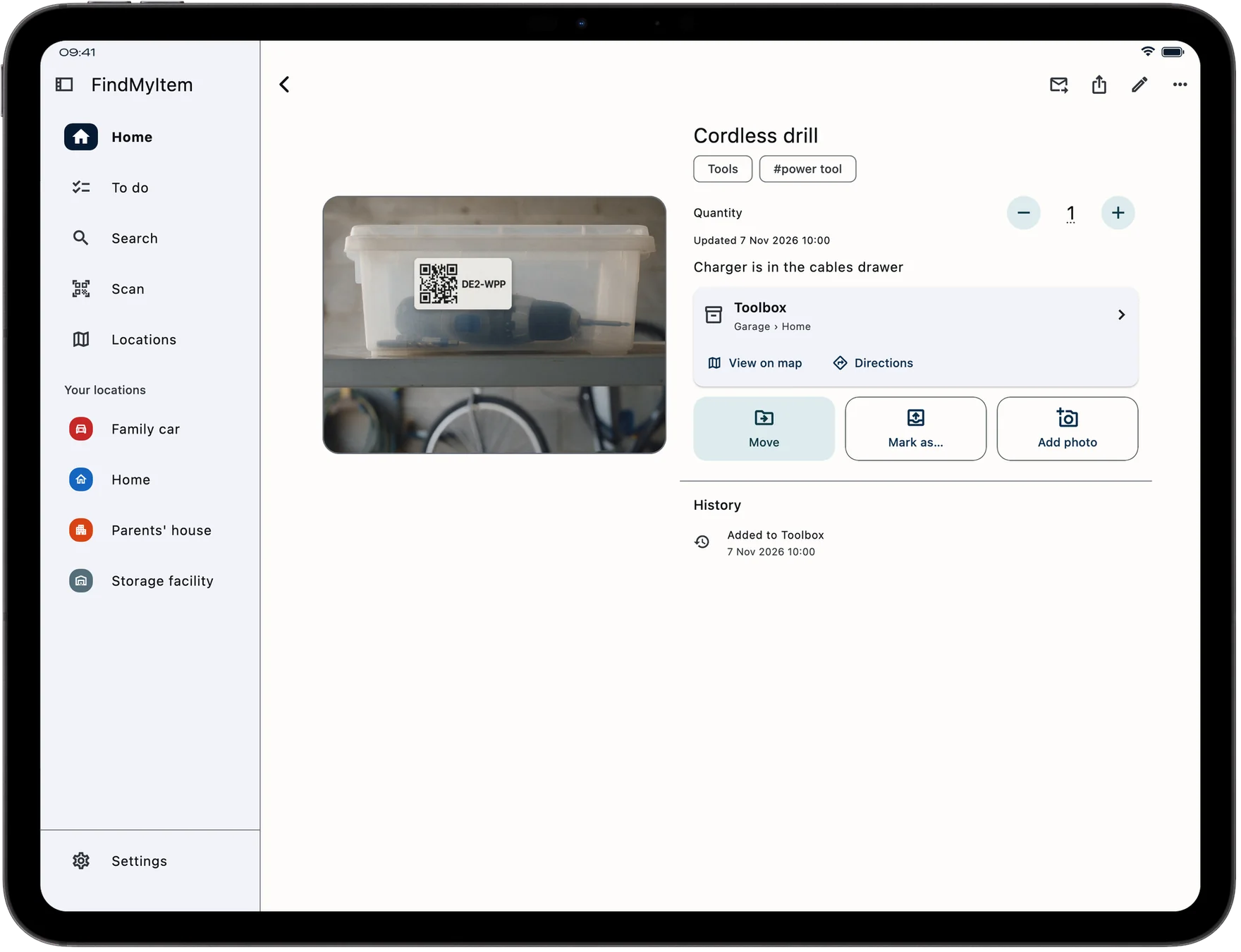
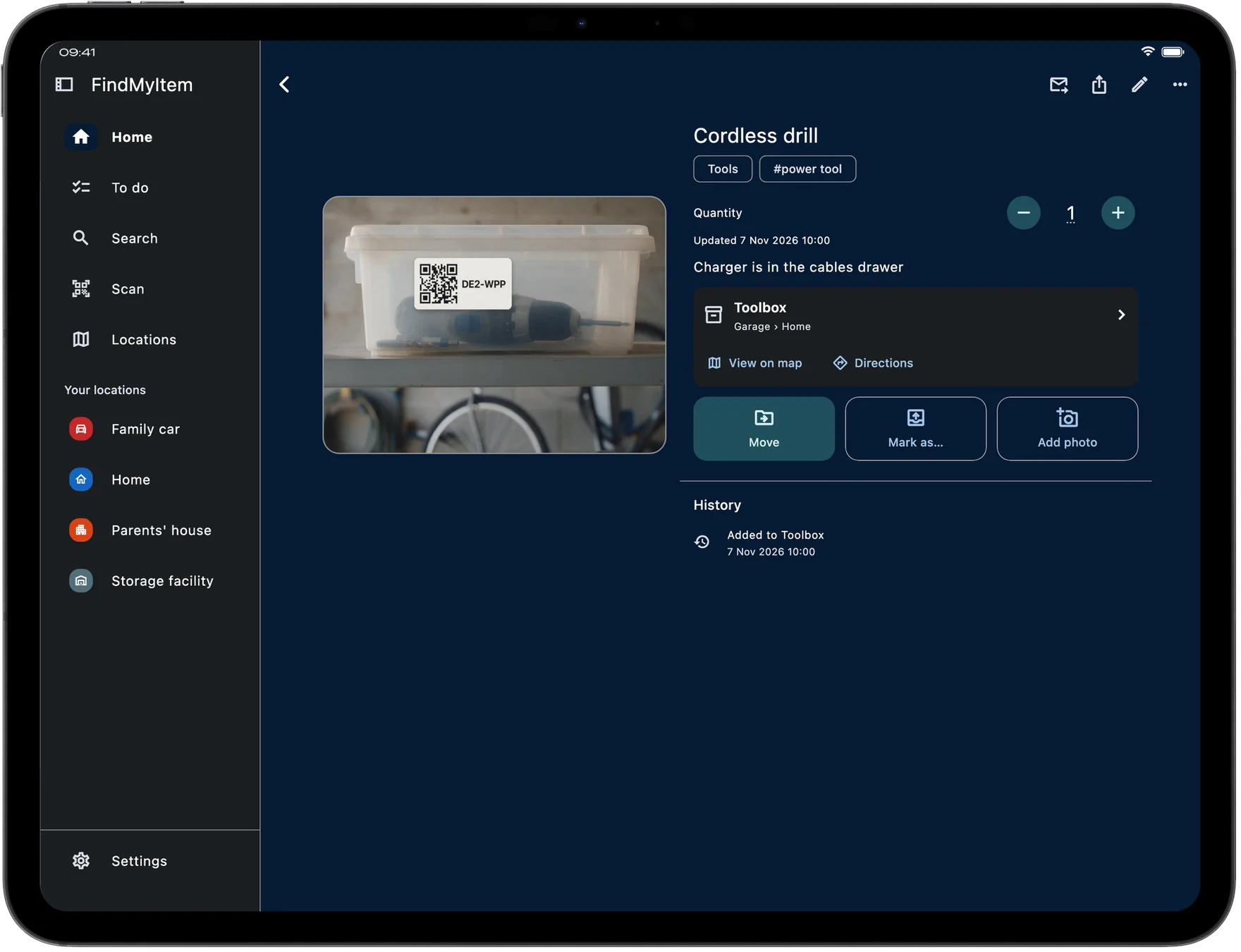
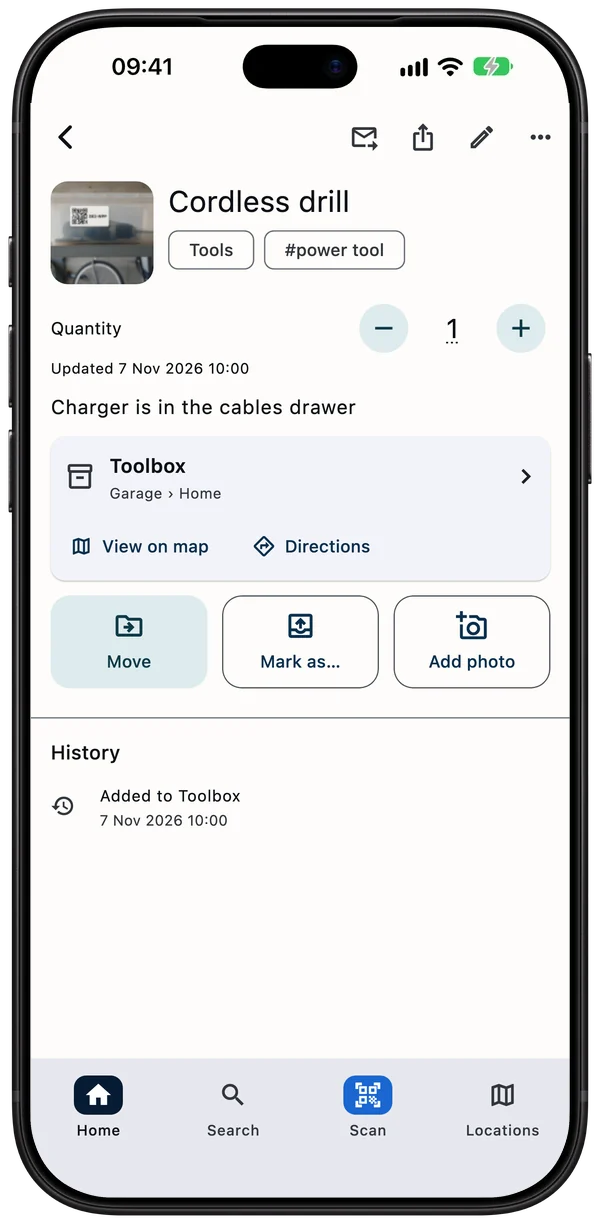
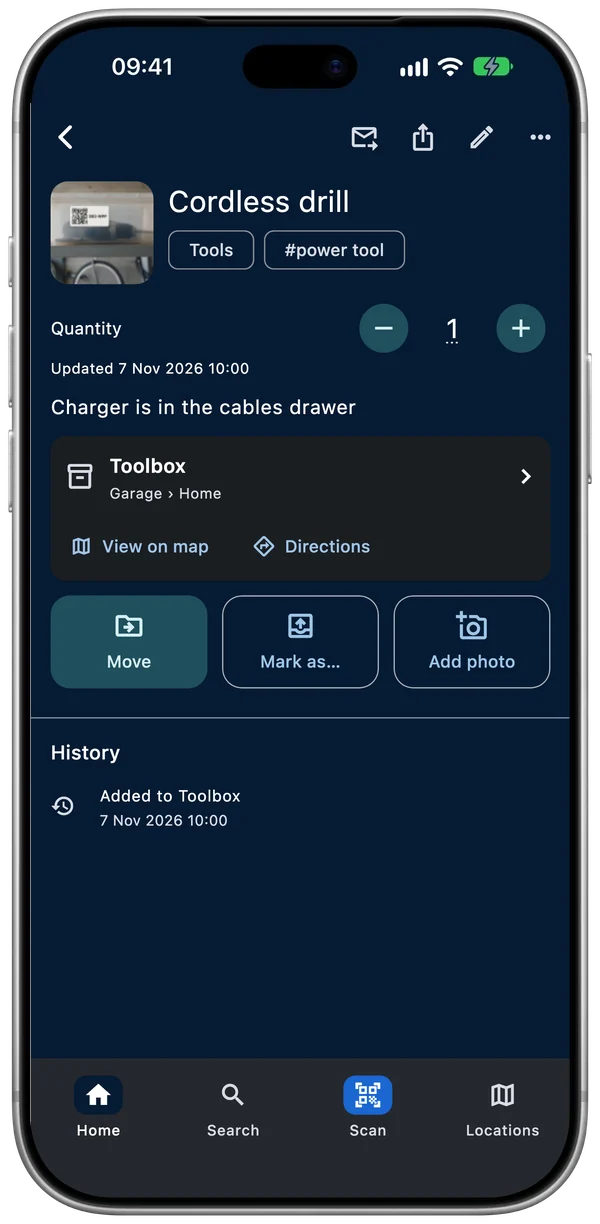
A message, written for you
“Can you bring the Cordless drill? It’s in Toolbox › Garage › Grandparents’ house”.
A link that opens it
The link opens the item for anyone it is shared with, with its photo and where it is.
Emergency supply: ready for an emergency
Emergency supply works out how long your food and water would last your household, and keeps the essentials where you can find them in a hurry. The essentials checklist and the emergency guides are free; the days of food and water and the rest come with Pro.
Days of food and water Pro
Say who lives with you, and FindMyItem adds up the calories and drinking water you keep: “13 days of food, 4.7 days of water”. Set a goal and see at a glance when you are running short.
Guidance from your country Pro
Pick the advice you follow, each with its flag: Switzerland (BWL), Germany (BBK), the European Union, the United Kingdom (Be Ready), the United States (Ready.gov) or international (WHO, Sphere). Your goal and amounts follow it.
Essentials checklist
Torch, radio, batteries, medicines, copies of documents: the must-haves and the extras, ticked by hand. With Pro they tick themselves from what you already own, each with where it is.
Scan food in, and out
Scan a product’s barcode and its calories fill in by themselves, from Open Food Facts. With Pro, scan what you use up and the supply stays right.
Gather it in one box Pro
When the essentials are spread over three places, FindMyItem lists them and helps you gather them into one emergency box, ready to grab.
Emergency guides
The official Swiss (BWL) and German (BBK) checklists, saved for use offline, and one-page printable checklists for the UK and the US, based on the official lists. Free for everyone.
The days, goals and guidance figures are estimates to help you plan, not official advice for your situation.
Higher limits, and more
Room for everything you own, and the extras that keep it in order.
200 places, 20,000 items
The free version holds 5 places and 50 items.
10 photos per item
The free version keeps 1.
Imports and backups without a monthly limit
The free version has one spreadsheet import of up to 100 rows and up to 4 backup files a month.
Use-by reminders
To do reminds you before things go out of date. The dates themselves are free.
The full statistics
Food cupboard, use soon, over time and where things went.
Colours and storage types of your own
Name your own kinds of container and pick their colours.
Try Pro free for 1 month
Start it in the app. Nothing is ever deleted if you stop.