Ever wonder where you put it? Never wonder
again.

FindMyItem remembers where your belongings are — at home, in storage, or wherever you keep them.
- Store it.
- Label it.
- Find it.
- Go to it.
A home inventory app for finding stored items: QR box labels, search for your belongings, and map-based item finding across every storage location.
Store it. Label it. Find it. Go to it.
Store it
Photograph items and save where they are kept.
Label it
Use QR labels for boxes and containers.
Each label holds only a random code for that one container: it identifies the container, never you.
Find it
Search by name, tag, note, category, box or short code.
Go to it
View the saved location and open directions in Apple Maps or Google Maps.
What is in the app
Search that forgives
Partial words work. Find items by name, tag, note, category, box name or short code, with photo thumbnails.
QR labels
PDF label sheets in six sizes, with a live preview. Choose to print the name, only the code, or only the QR.
Works offline
Your inventory lives on your phone first. The attic and the basement are fine; changes sync when you are back online.
Move, undo, history
Move an item and undo it if you slip. Every item keeps a history of where it has been.
Your data is yours
Export to a spreadsheet or a PDF with photos, import a spreadsheet, back up everything and restore it on a new phone.
Pack boxes quickly
Make a batch of numbered boxes, print their labels, then photograph things straight into a box and name them later.
Map and directions
Every location can have a pin in its own color. Tap for directions in Apple Maps or Google Maps, starting from where you are right now.
Photos and colors
Photograph items and containers, or give a container a color so you can spot it in a list. Locations get their own color and icon.
Twelve languages
English (UK and US), Arabic, Chinese (Simplified), French, German, Hebrew, Italian, Japanese, Korean, Portuguese, Russian and Spanish, with right-to-left layouts for Arabic and Hebrew.
See it in use
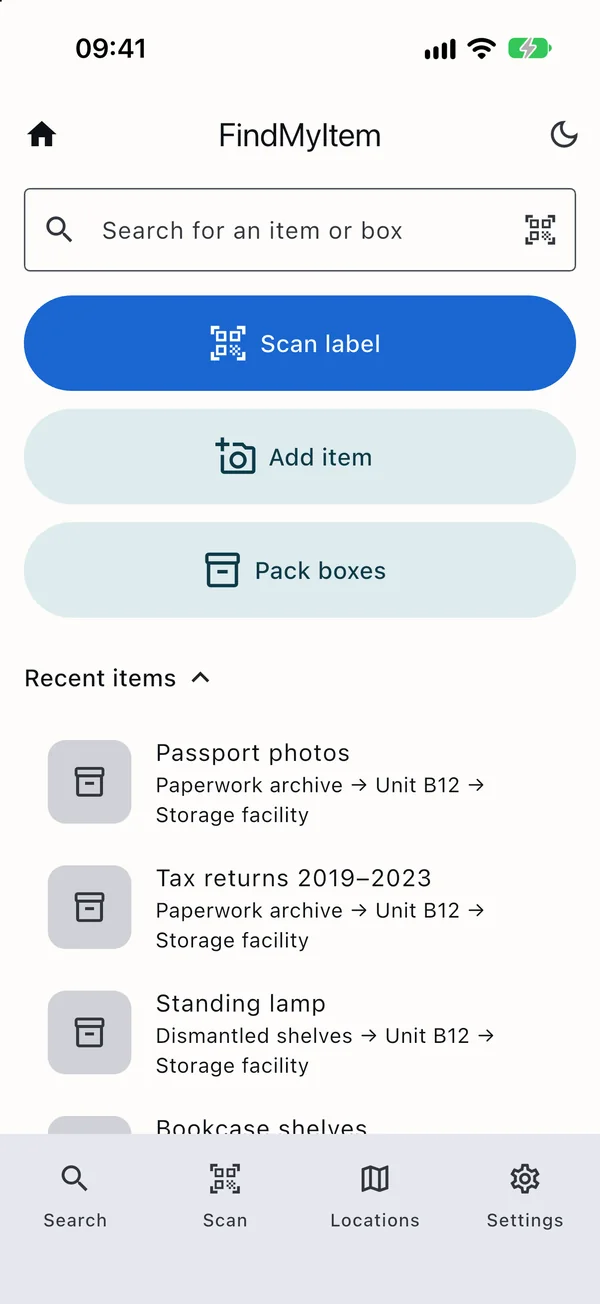
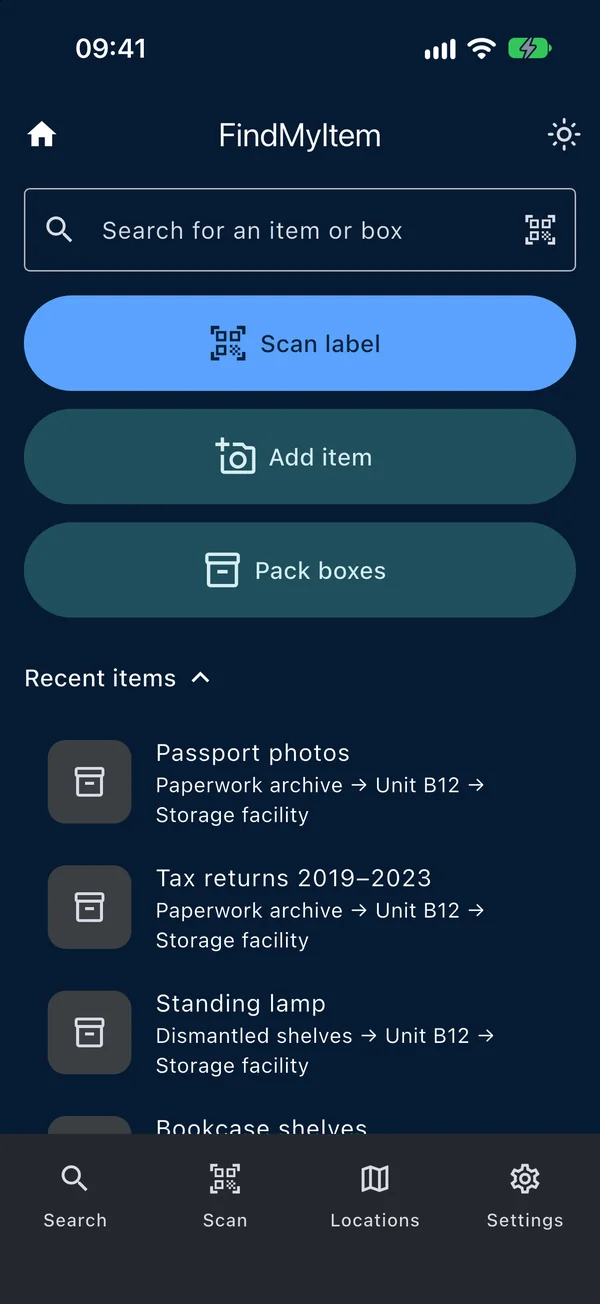
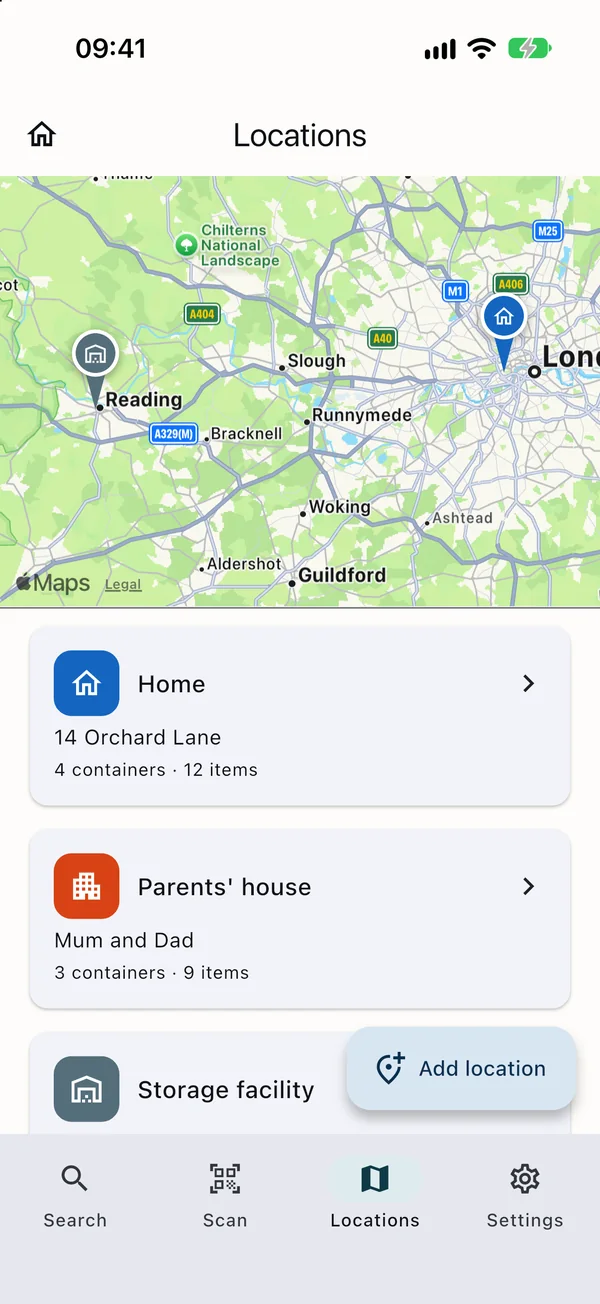
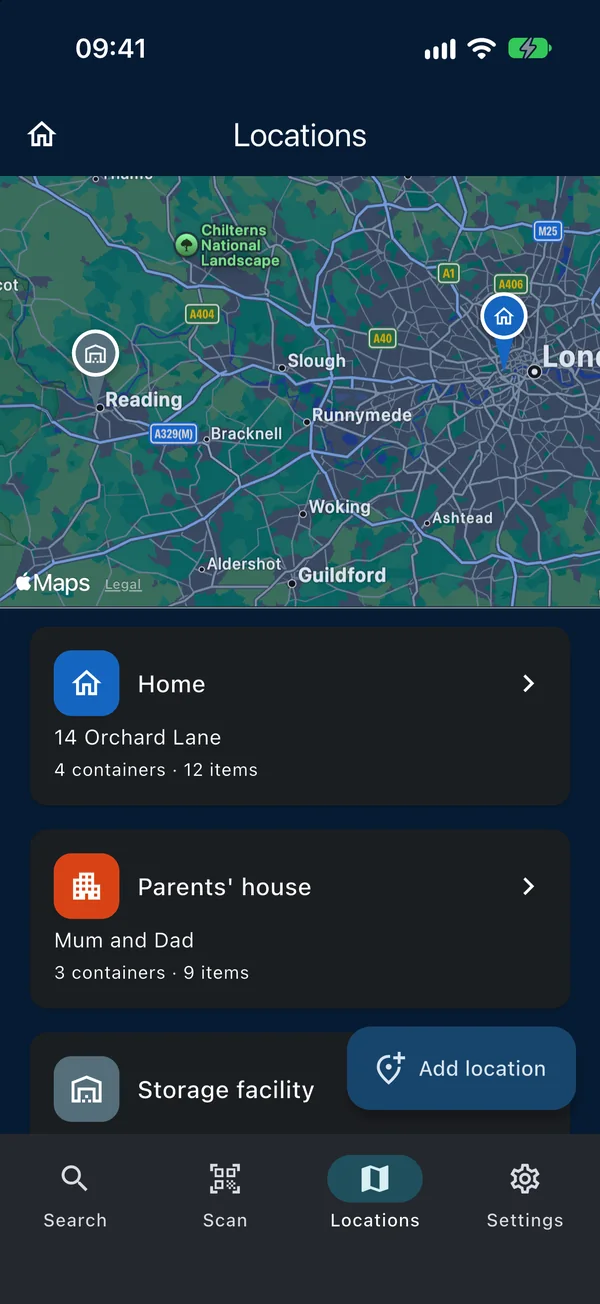
Screenshots show the example data you can load in Settings.
Private by design
No ads, no tracking
The app has no advertising and no analytics. Nothing about how you use it is sold or shared.
Locked when you leave
Protect it with Face ID, Touch ID or your passcode. The app switcher never shows your inventory.
Strong sign-in
Sign in with Apple or email, add two-factor authentication, and sign other devices out from the app.
Delete anytime
Delete your account and everything stored for it from inside the app. Data is held in the EU.
Read the full privacy policy.
Common questions
What do I need to use it?
An iPhone with iOS 15 or later. FindMyItem is built for iPhone. Android is coming in November 2026.
Does it work without a signal?
Yes. Everything you add is saved on your phone first and syncs to your account when you are online again.
Can I share an inventory with my family?
Not yet. Today each account is one person’s inventory.
Does it recognize items from a photo?
Not yet. You name each item yourself; the photo helps you recognize it later.
Who makes it?
Railstons GmbH.